

Native SDK
Add a card checkout to your Android or iOS app with Kotlin and Swift.
The Native SDK is currently in private preview. We are working to make it publicly available to all ePay customers.
Build a checkout that feels at home in your app. Add ePay’s card fields to your screen, connect your pay button, and receive payment updates. Your app controls the layout; the SDK handles card collection and payment authorization.
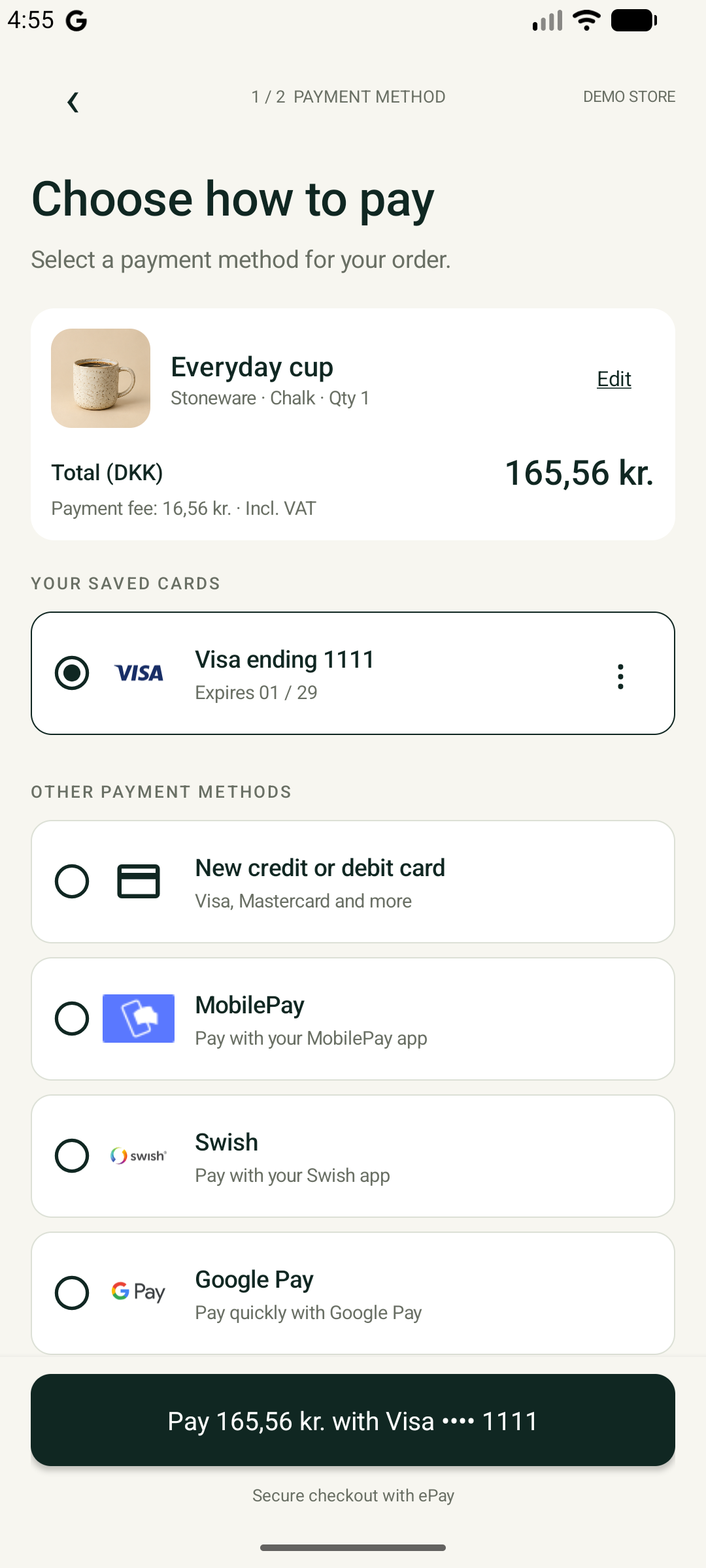
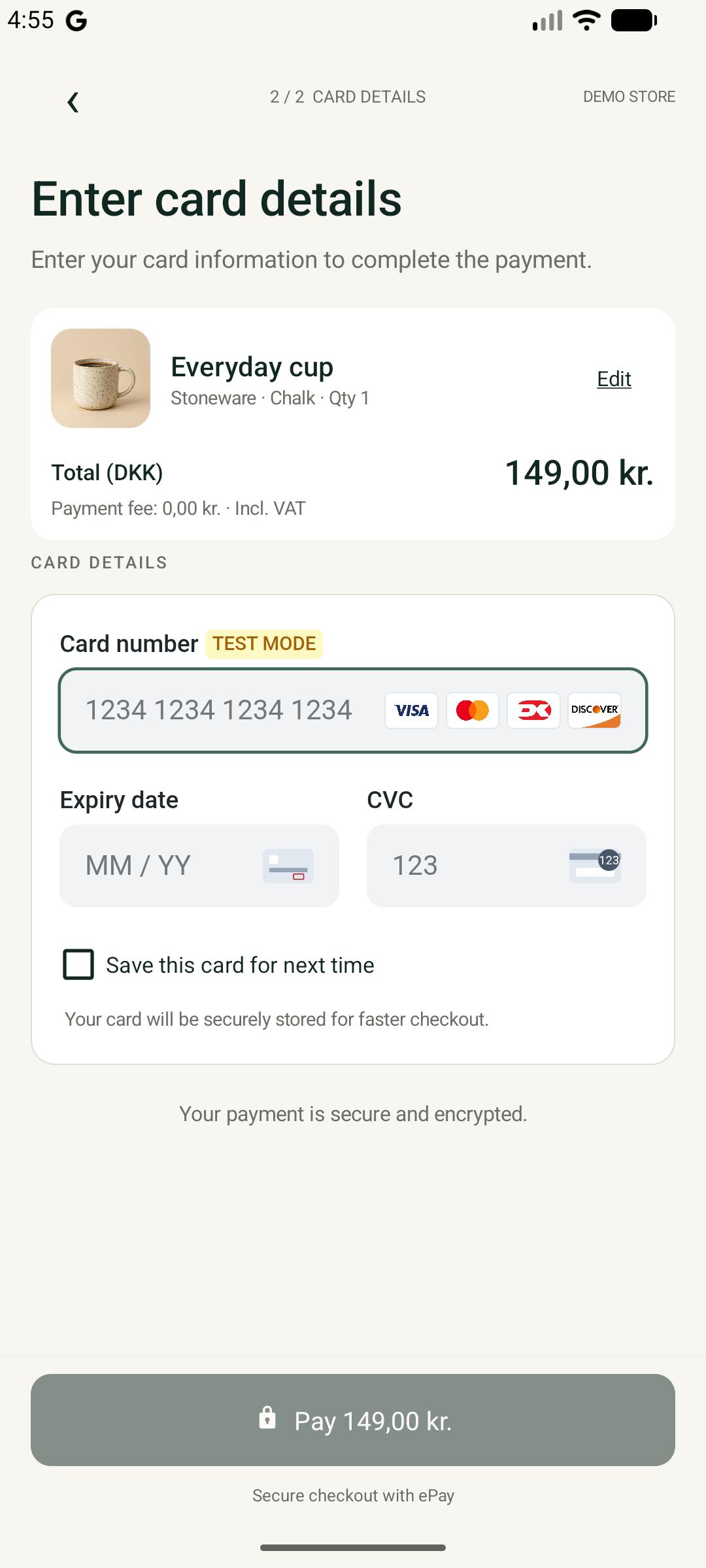
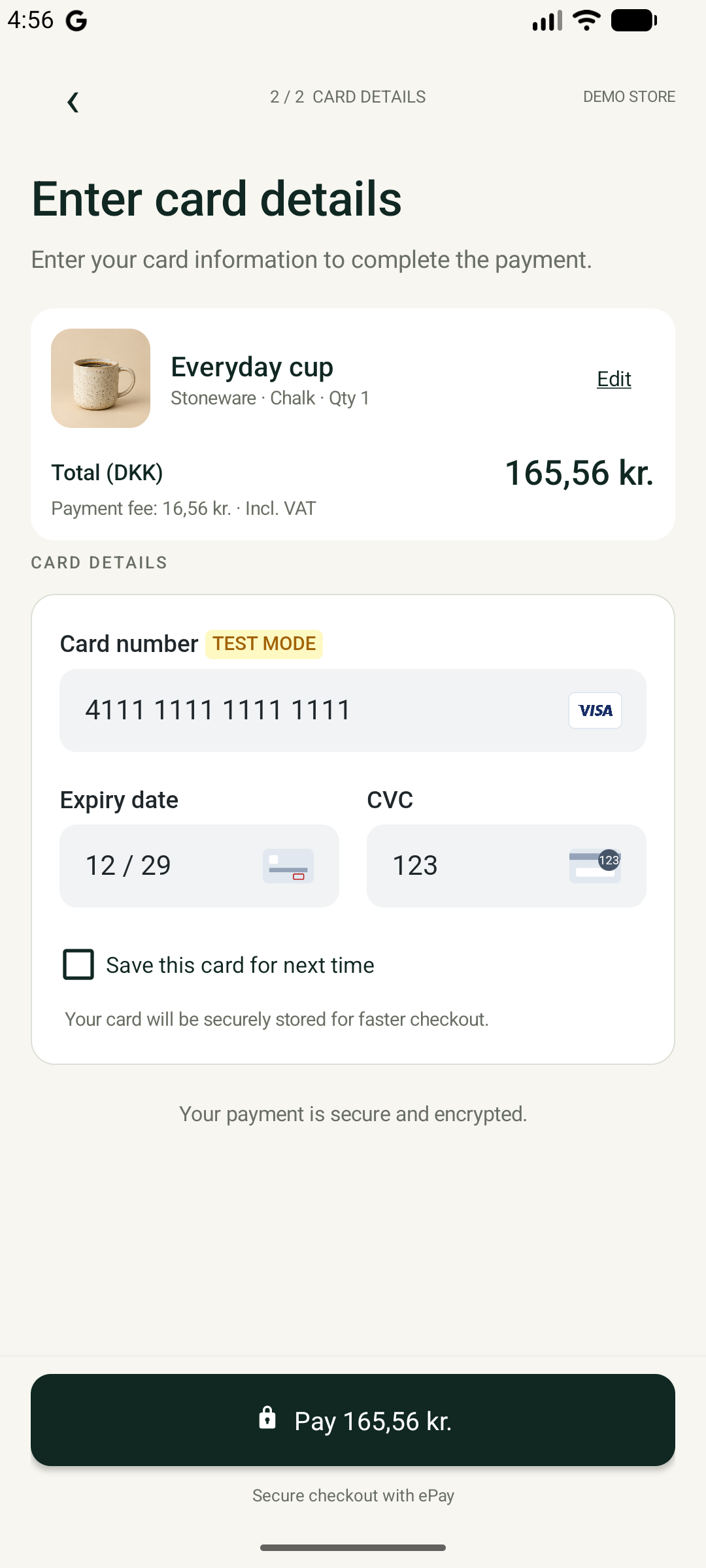
Screens from the Android demo app. The examples below cover both Android and iOS.
Add a card checkout
Install the SDK, then create a payment session on your server. Pass its sessionId and sessionKey to the checkout screen.
The example connects initialization, card entry, and payment in one flow. payButton and the card container belong to your app; renderPayment displays the payment’s progress and result.
Import eu.epay.sdk.*. Run this in a UI coroutine after setting up the layout, with activity referencing the owning Activity. Handle initialization errors at the coroutine boundary.
// Initialize the checkout session.val sdk = Epay(AndroidPaymentHost(activity))sdk.initialize(sessionId, sessionKey)// Observe payment progress and results.val payment = sdk.payment()payment.handlers.onUpdate = { attempt -> renderPayment(attempt) }// Add card fields to your screen.val fieldsView = AndroidHostedFields(activity)cardContainer.addView(fieldsView)// Follow the fields’ recommended payment button state.payButton.isEnabled = falseval config = HostedFieldsConfig().apply { onUpdate = { status -> // paymentButtonState recommends button visibility; Active means ready to pay. payButton.isEnabled = status.paymentButtonState == PaymentButtonState.Active }}// Mount the fields with this configuration.val fields = sdk.mountFields(fieldsView, config)// Start payment when the shopper taps Pay.payButton.setOnClickListener { payment.createCardTransaction()}Keep the SDK, fields, and payment on the owning screen. Call sdk.dispose() in onDestroy().
The SDK enables the button when the fields are ready and valid, disables it during payment, and enables it again when a safe retry is available. Use payment outcomes to show progress, confirmation, or a retry message. Confirm the order on your server using payment notifications.
Build out your checkout
- Setup and lifecycle: installation, initialization errors, screen cleanup, and session replacement.
- Card fields: appearance, validation, keyboard controls, and loading states.
- Payments and outcomes: payment methods, progress, retries, and fees.
- Wallets and app returns: Google Pay, Apple Pay, PayPal, and returning to your app.
- Session services: available methods, saved cards, and customer information.