ePay OpenCart Plugin
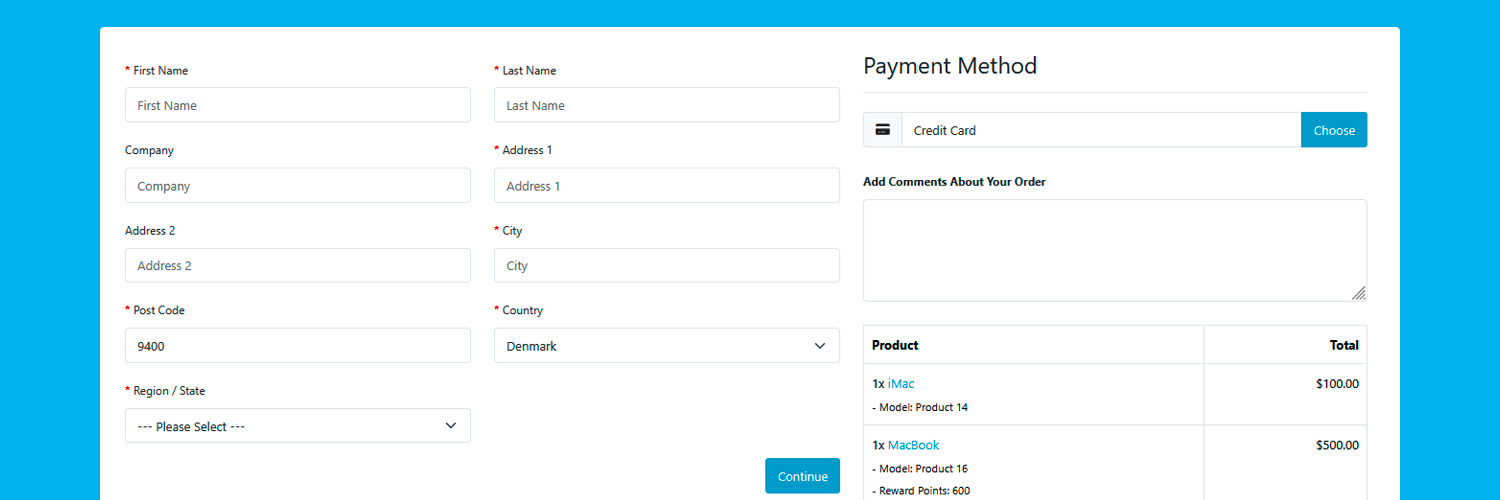
Installation in OpenCart
ePay has developed a free payment module for OpenCart 4 which makes it easy and smooth to accept payment cards in your online store.
OpenCart is a free open-source solution for creating online shops. ePay offers a free module that is easy to install and integrate with your OpenCart solution.
Download the module, and follow the 4 simple steps below – now you accept payment cards!
Please note that the instructions are based on the installation of the latest module version.
1. Create an ePay account
You need a test account to try the module. It's free to sign up, and it only takes a few minutes. Once your account is created, you'll get a API Key and Point of sale ID for testing.
Get a free account -> https://app.epay.eu/register
2. Install the module in OpenCart
First, download the payment module to your computer.
Download module here -> https://github.com/ePay/OpenCart4/releases
Log in to your OpenCart administration. Go to Extension > Installer in the menu, and click Upload at the top of the screen.
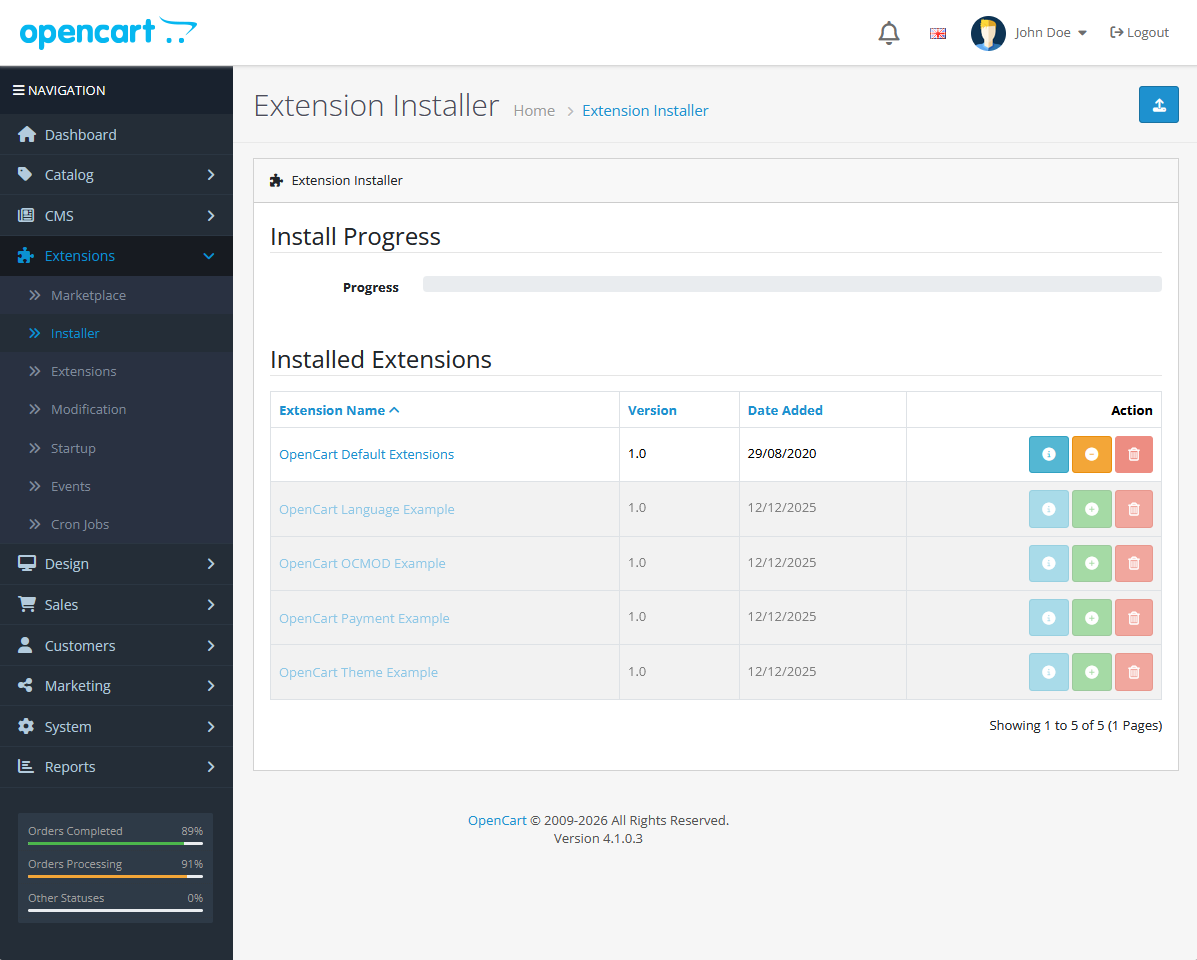
Choose the zip file you just downloaded.
3. Activate ePay's module in OpenCart
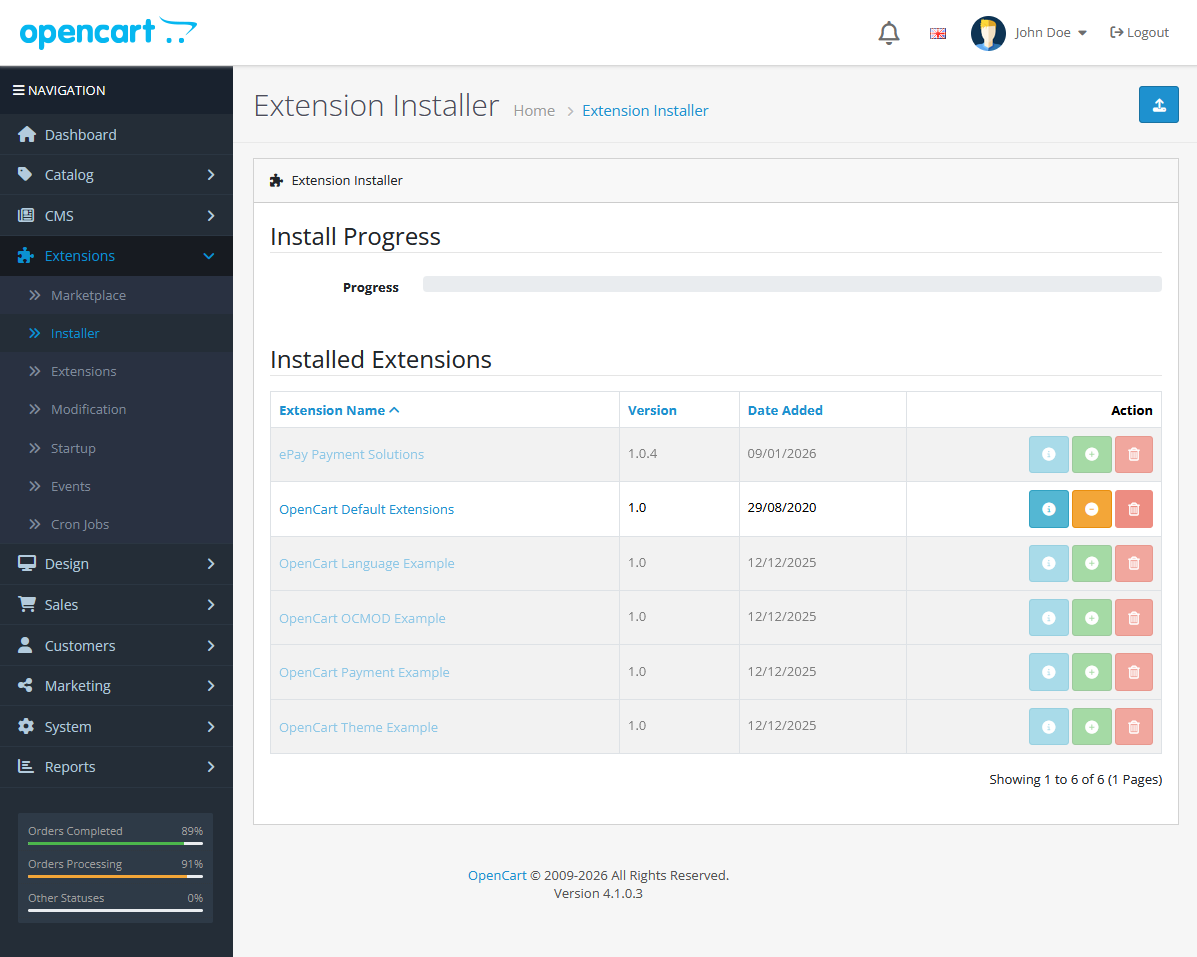
Find the ePay module under Installed Extensions, and click the green install button on the right.
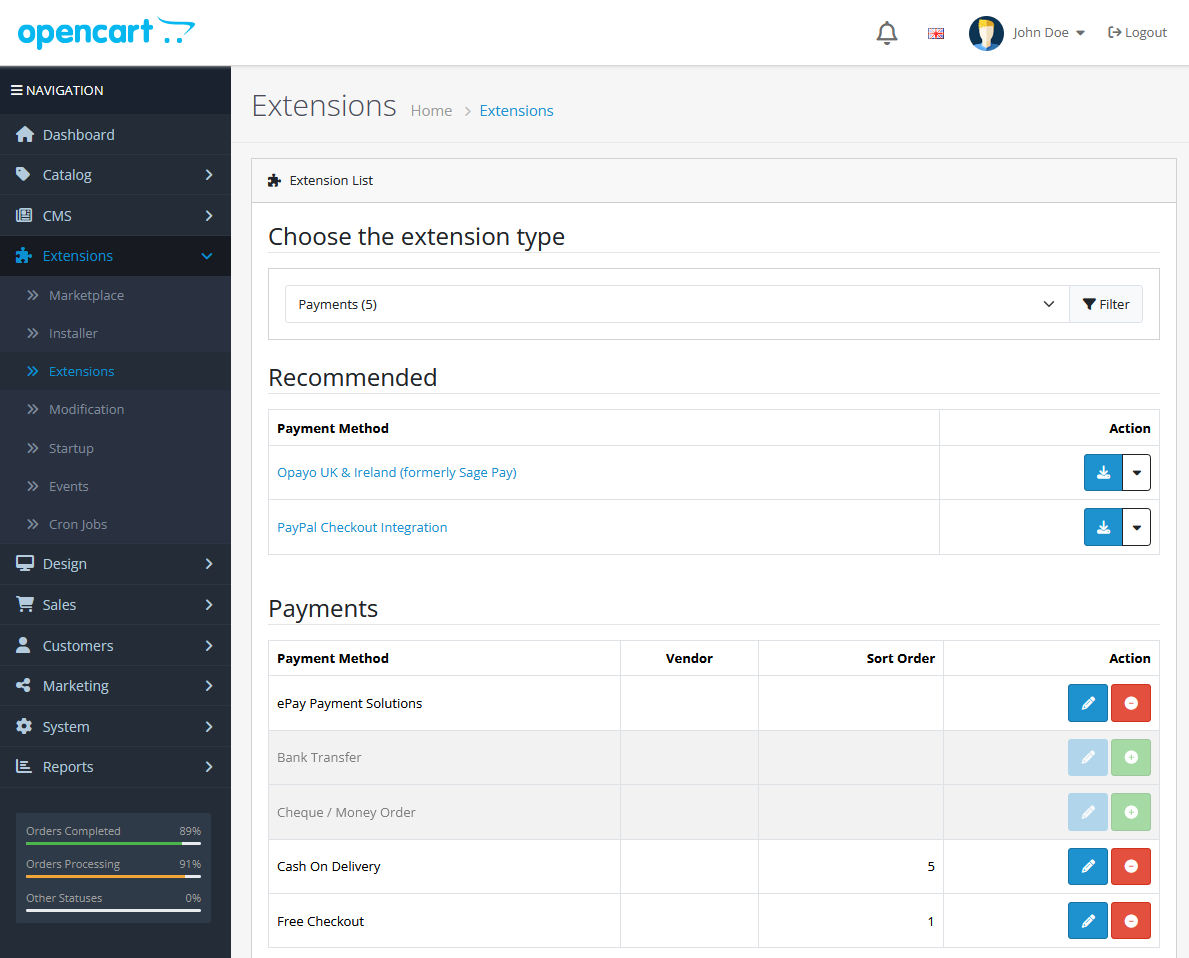
Next go to Extensions and Choose the extension type "Payments" in the dropdown and find the "ePay Payment Solutions" payment method in the list, and click the green install button on the right.
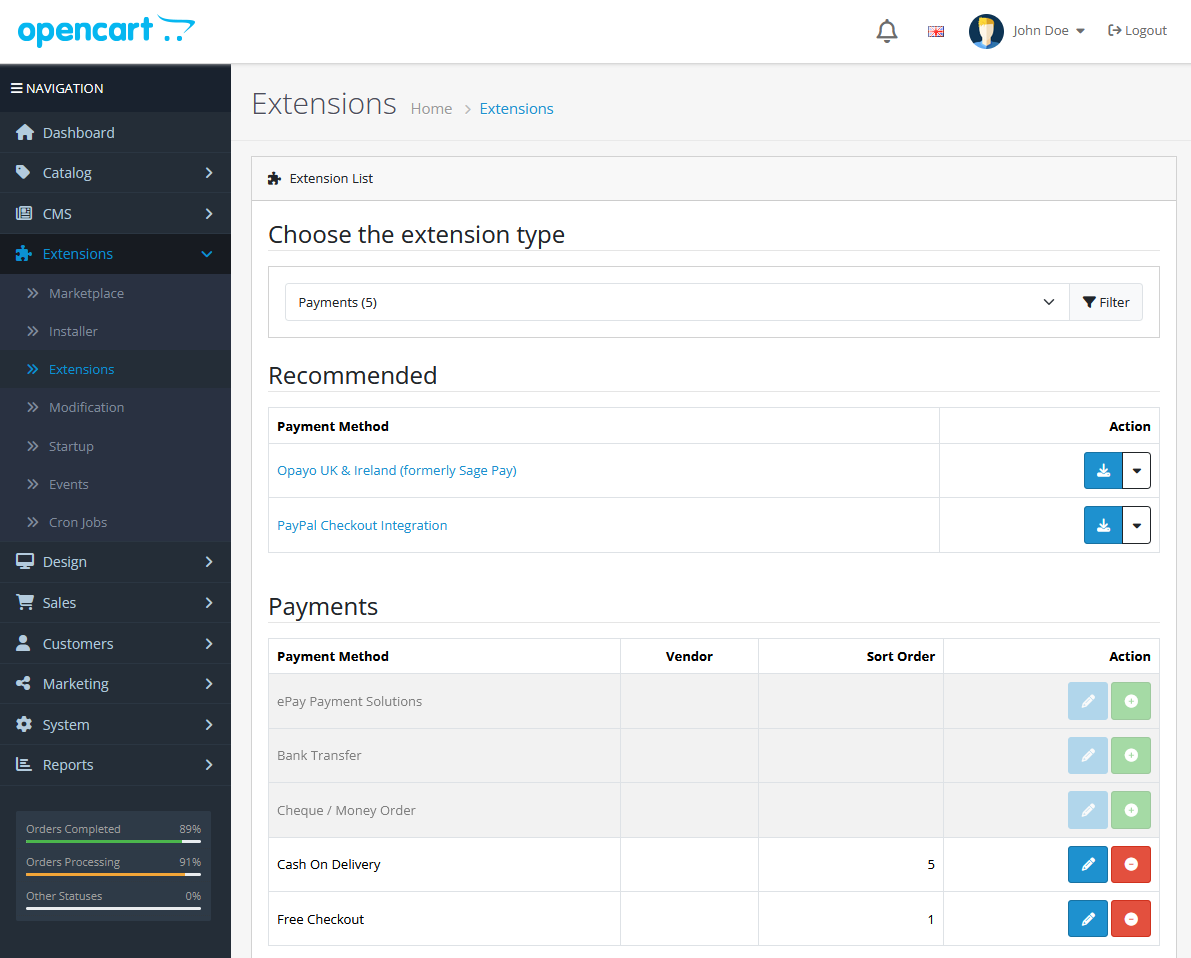
ePay's payment module is now installed.
4. Configuration in OpenCart
Go to Extensions > Payments and find the ePay payment method in the list, and click the blue edit button on the right.
Enter your API Key, PointOfSale ID and Webhook Authorization, which can be found in ePay's Backoffice at https://app.epay.eu/ under Indstillinger > Udviklere and Betalinger > Salgssteder.
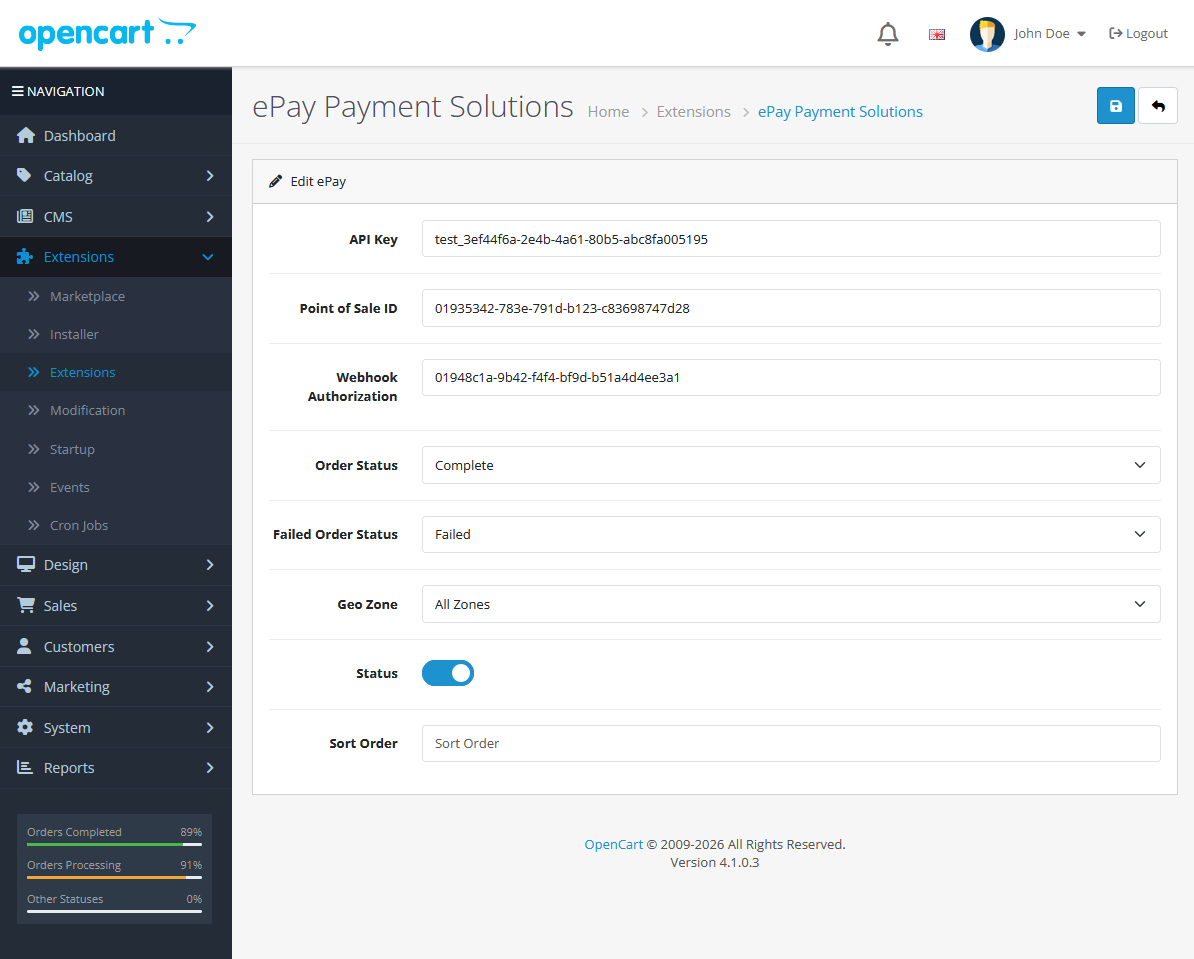
After these steps, your module is installed. It’s now time to test it!