ePay Shopify plugin
Installation in Shopify
This guide explains how to set up the ePay payment module for your Shopify store. With the payment module, you can accept payments through various payment cards as well as MobilePay.
1. Go to the Shopify app store
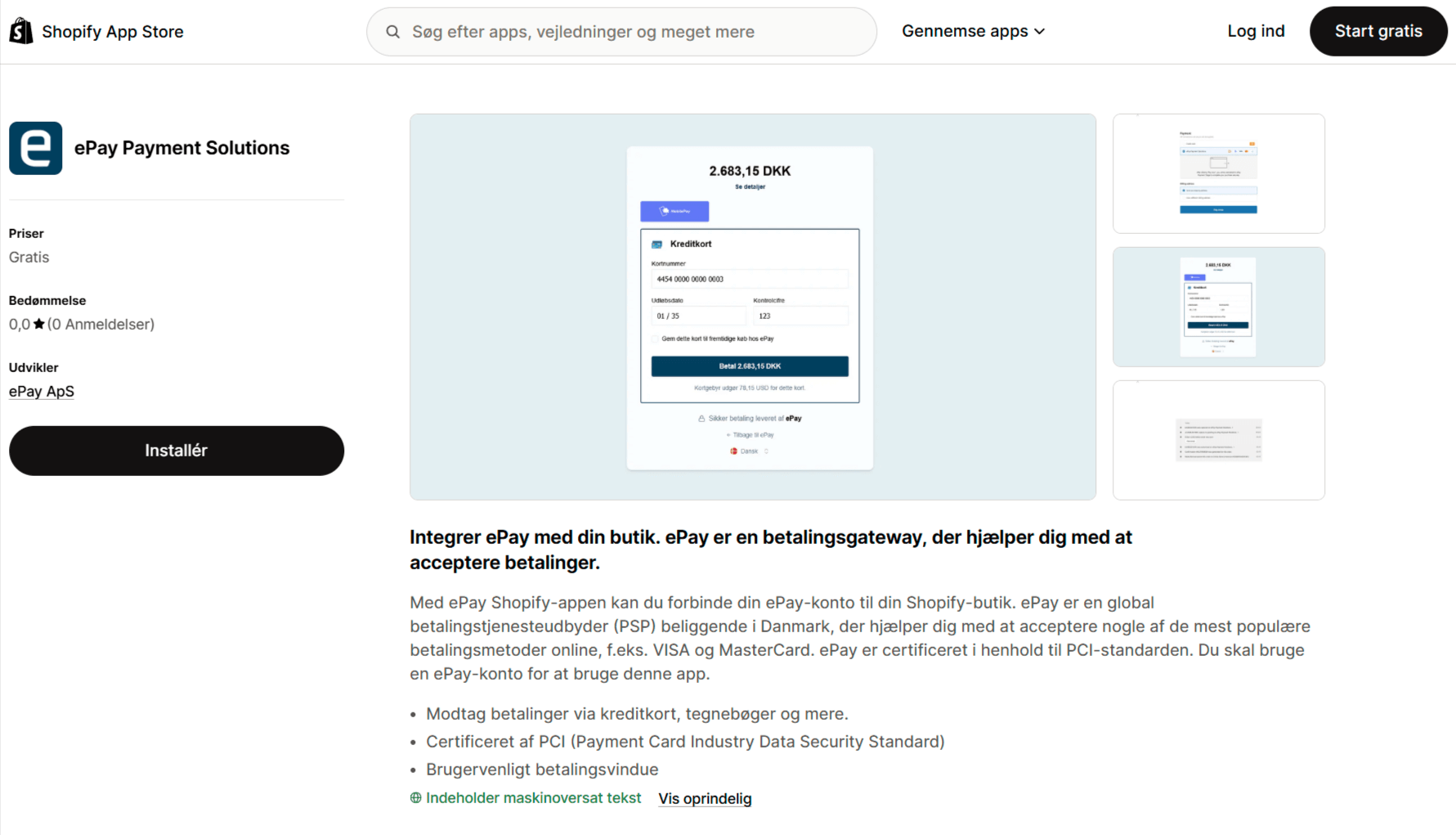
Visit the installation page for the ePay app on Shopify: https://apps.shopify.com/epay-payment-solutions.
2. Select your Shopify store
Click Install on the page and select the Shopify store that you wish to connect with the ePay payment application.
3. Complete the installation
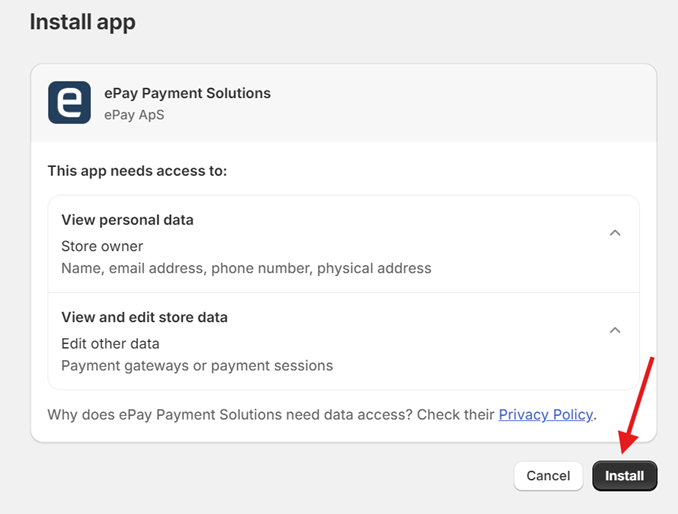
Complete the installation once you are logged in to your Shopify store
4. Enter your details
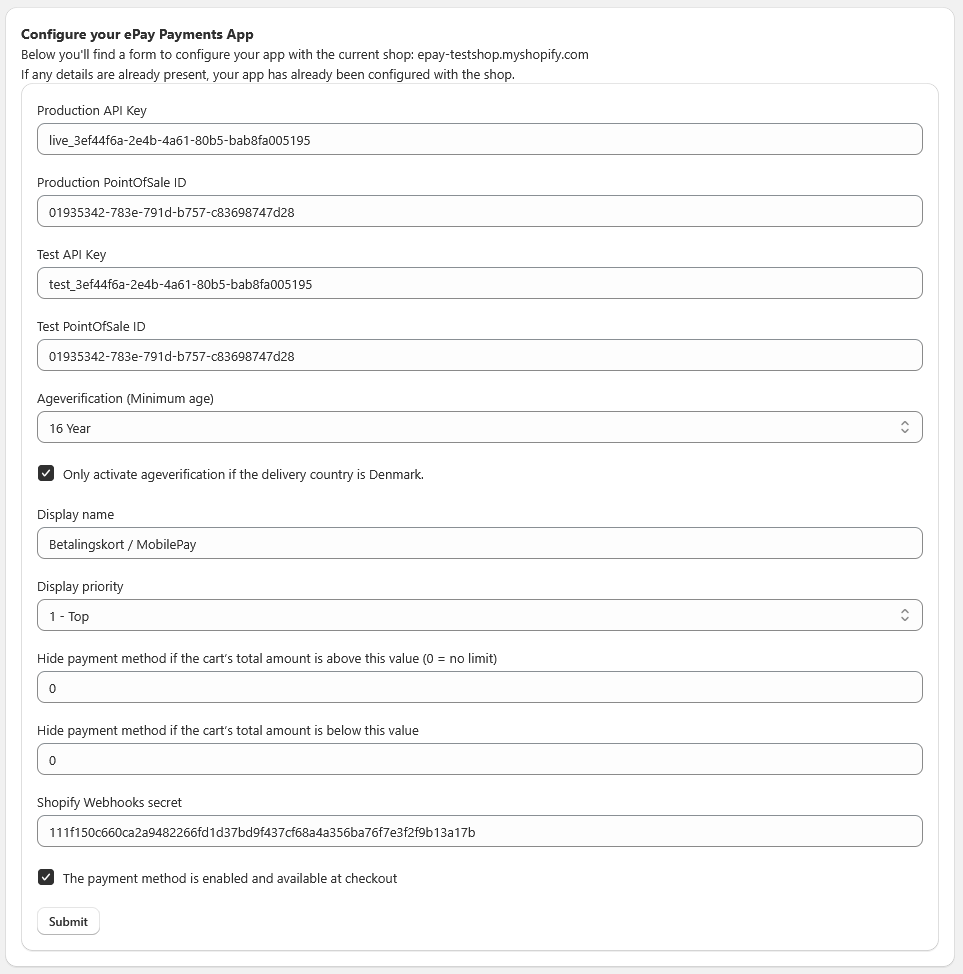
Enter your ePay account details as shown below and activate the plugin.
You can find your account details at https://app.epay.eu/login/
- Production API Key: Can be found in the ePay backoffice. *
- Production PointOfSale ID: Can be found in the ePay backoffice under Payment. *
- Test API Key: Can be found in the ePay backoffice. (Switch backoffice to test mode)
- Test PointOfSale ID: Can be found in the ePay backoffice under Payment. (Switch backoffice to test mode)
- Ageverification (Minimum age): If you want to use age verification, set the minimum age.
- Optional "Only activate ageverification if the delivery country is Denmark."
- Display name: The payment type’s display name in the checkout
- Display priority: The order of the payment type
- Hide payment method if the cart’s total amount is above this value (0 = no limit)
- Hide payment method if the cart’s total amount is below this value
- Shopify Webhooks secret
- The payment method is enabled and available at checkout. *
* = Required
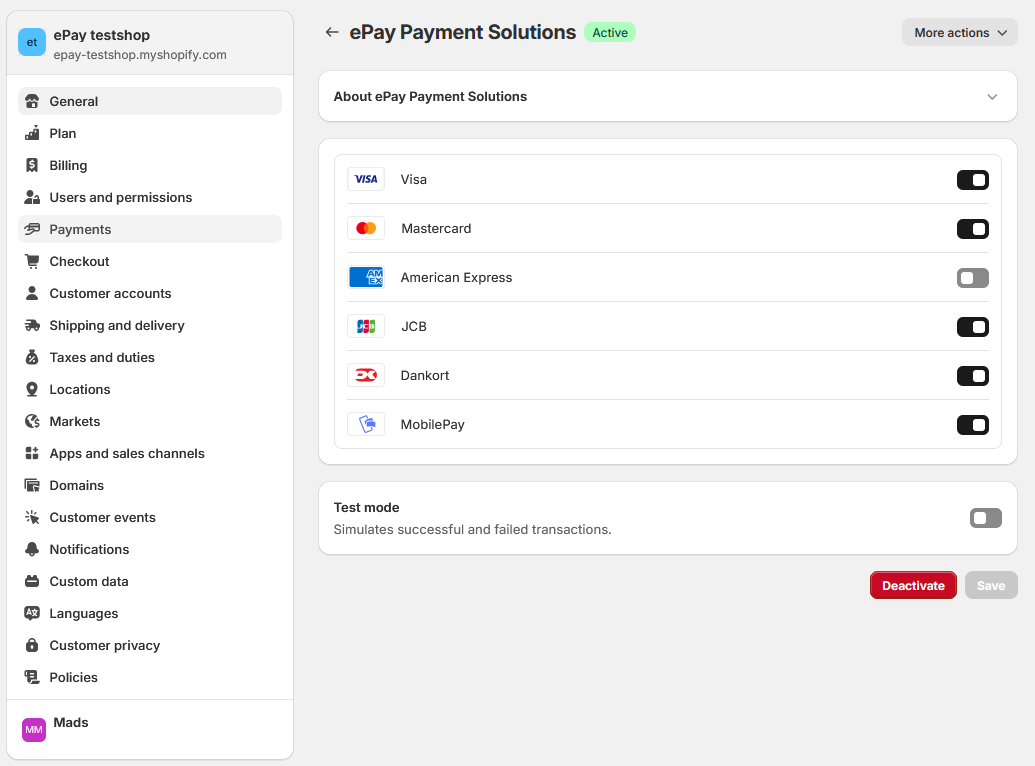
5. Select payment methods
Select the payment cards and methods you've set up agreements for.
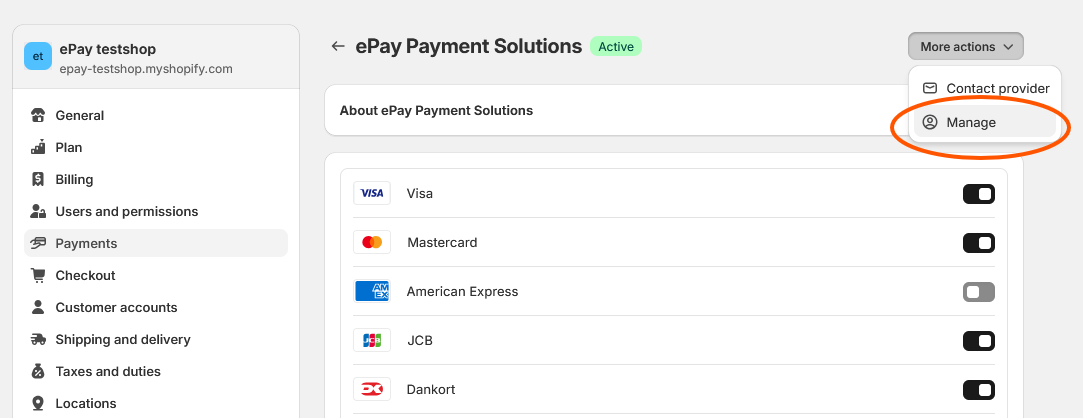
6. Edit your ePay details
To edit your ePay details, click on More actions -> Manage.
Webhooks from Shopify
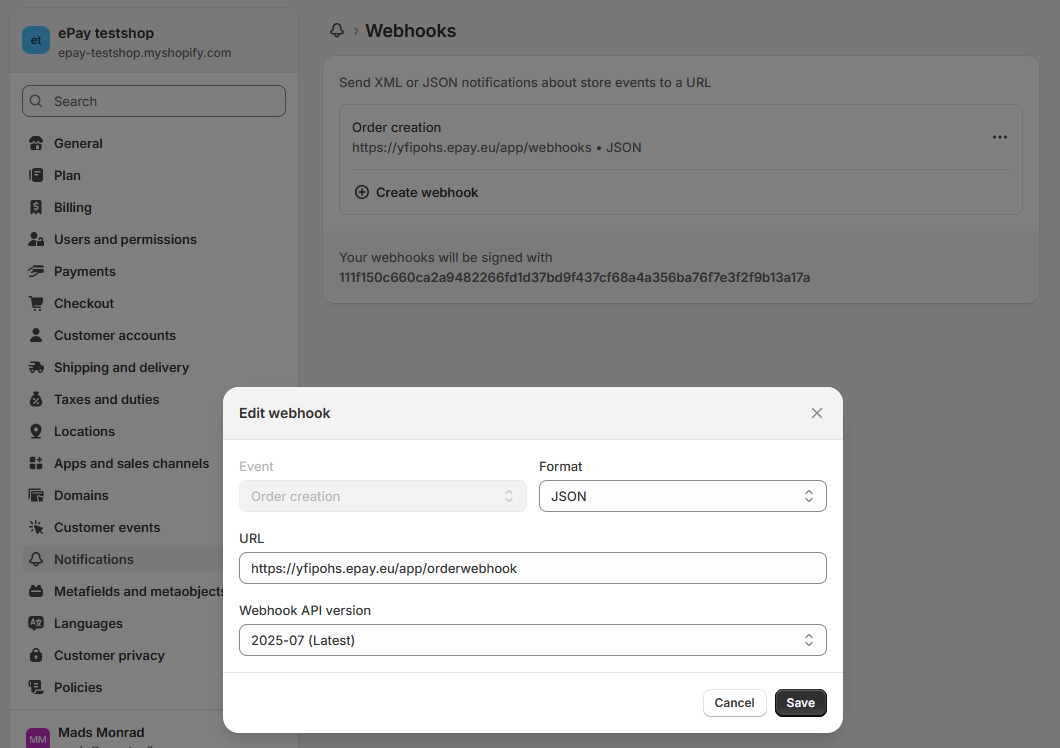
Set up a webhook in Shopify to pass the order number to ePay.
Go to Notifications and create a new webhook.
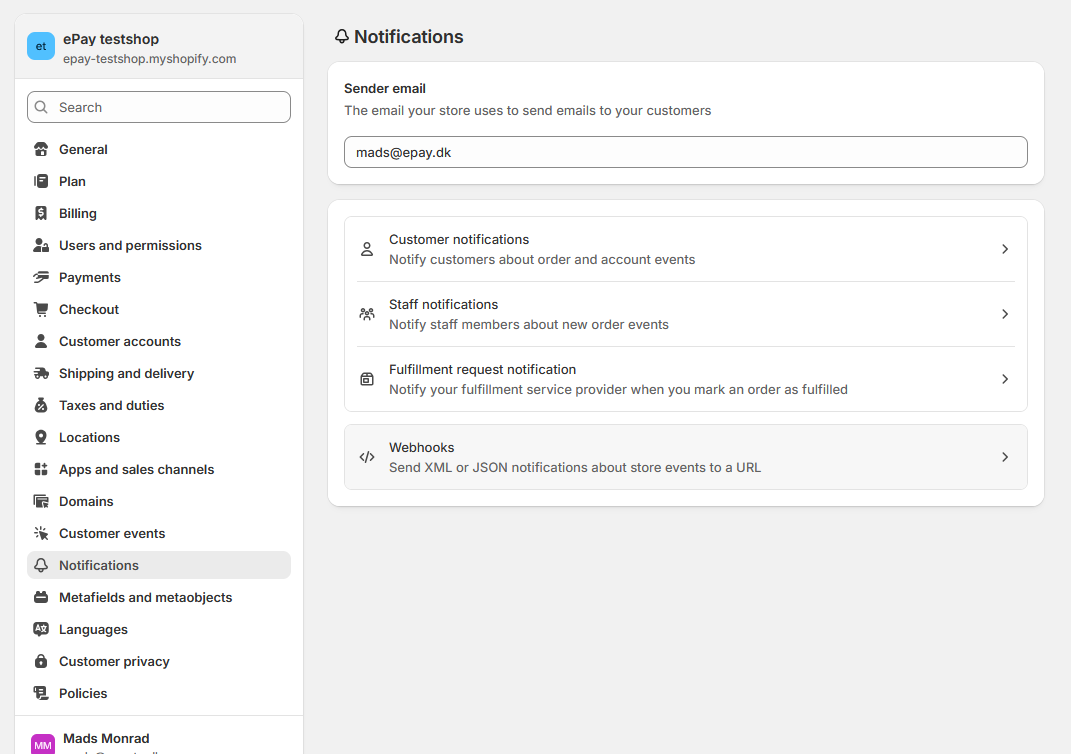
Select the “Order creation” event, set the format to JSON, enter the URL https://yfipohs.epay.eu/app/orderwebhook, and choose the latest API version.